How to redesign a backyard from a photo with AI
Start with a wide backyard photo and use AI to try a layout before you move anything. Compare the result with the original to check access, usable lawn and the placement of new features.
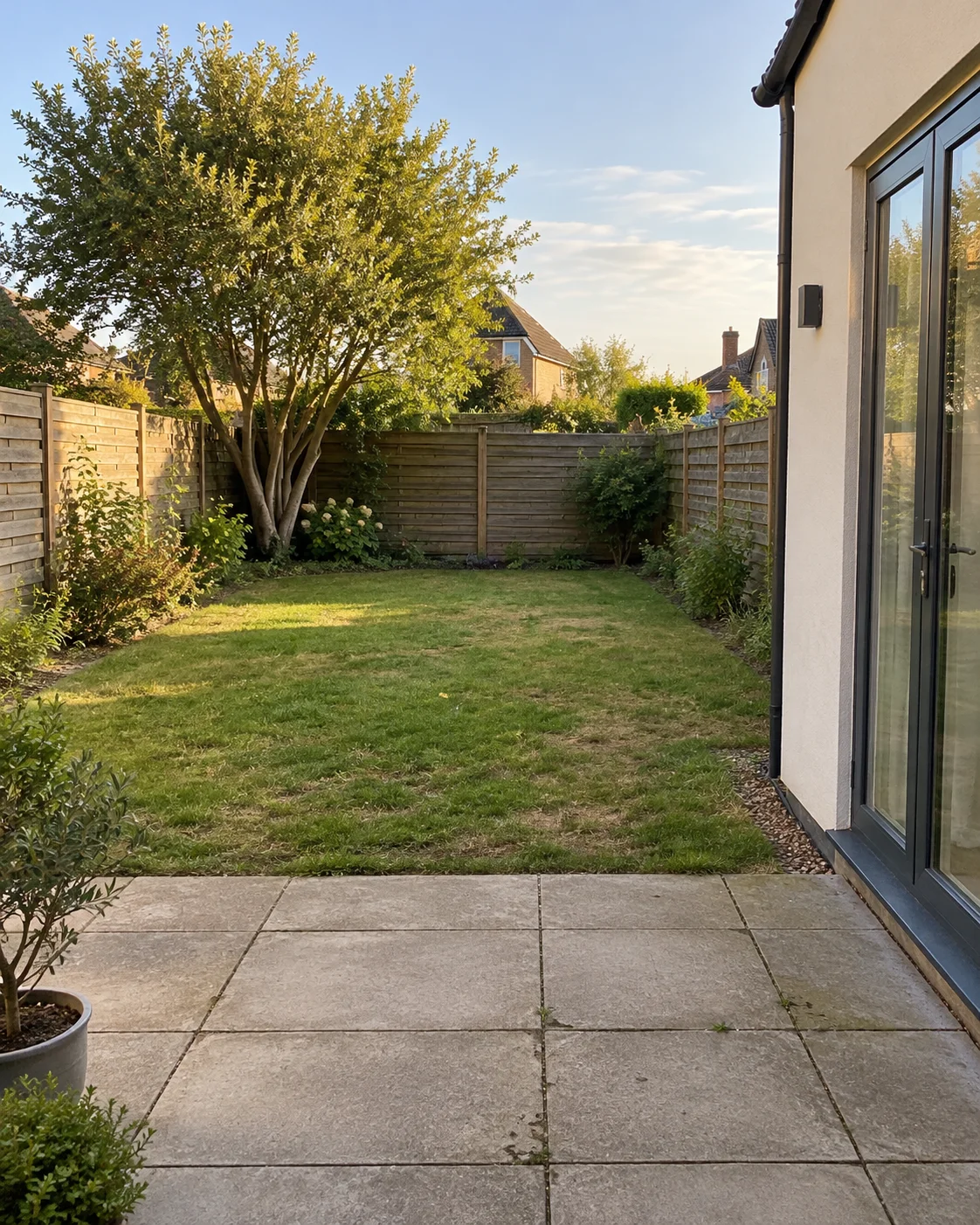
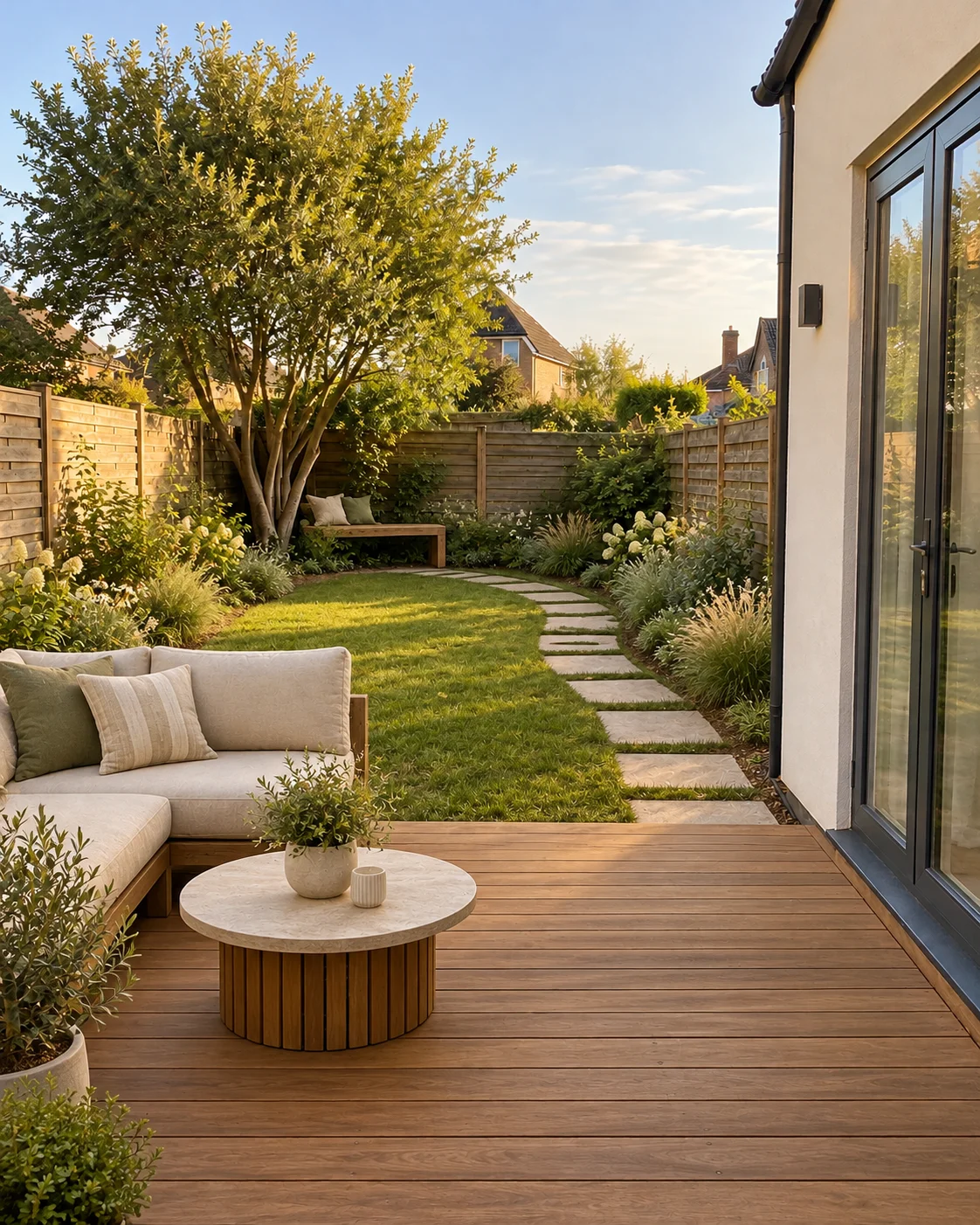
Before and after in Groont
This Groont yard example shows the existing space beside a concept for a new arrangement. Look at the relationship between the proposed beds, open ground and existing boundaries.
How to do it
- Shoot from a corner or doorway in daylight. Include the fence, main access and any trees or structures that will stay.
- Generate one concept around your priority, such as more seating, more privacy or a larger play area. Describe how people should move through the yard.
- Compare the result with the source. If the layout is close, select the area that needs work and ask for a specific edit before testing a different layout.
Example prompt
Add a small seating area at the back left and low planting along the fence. Keep the central lawn and gate access clear.
Measure the gate, proposed seating area and walking route before committing to furniture, paving or plant quantities.