How to create quick landscape concepts for client presentations
Landscape designers, agencies and contractors can turn a site photo into a preliminary visual direction for a client meeting before preparing a detailed design or quote.
Before and after in Groont
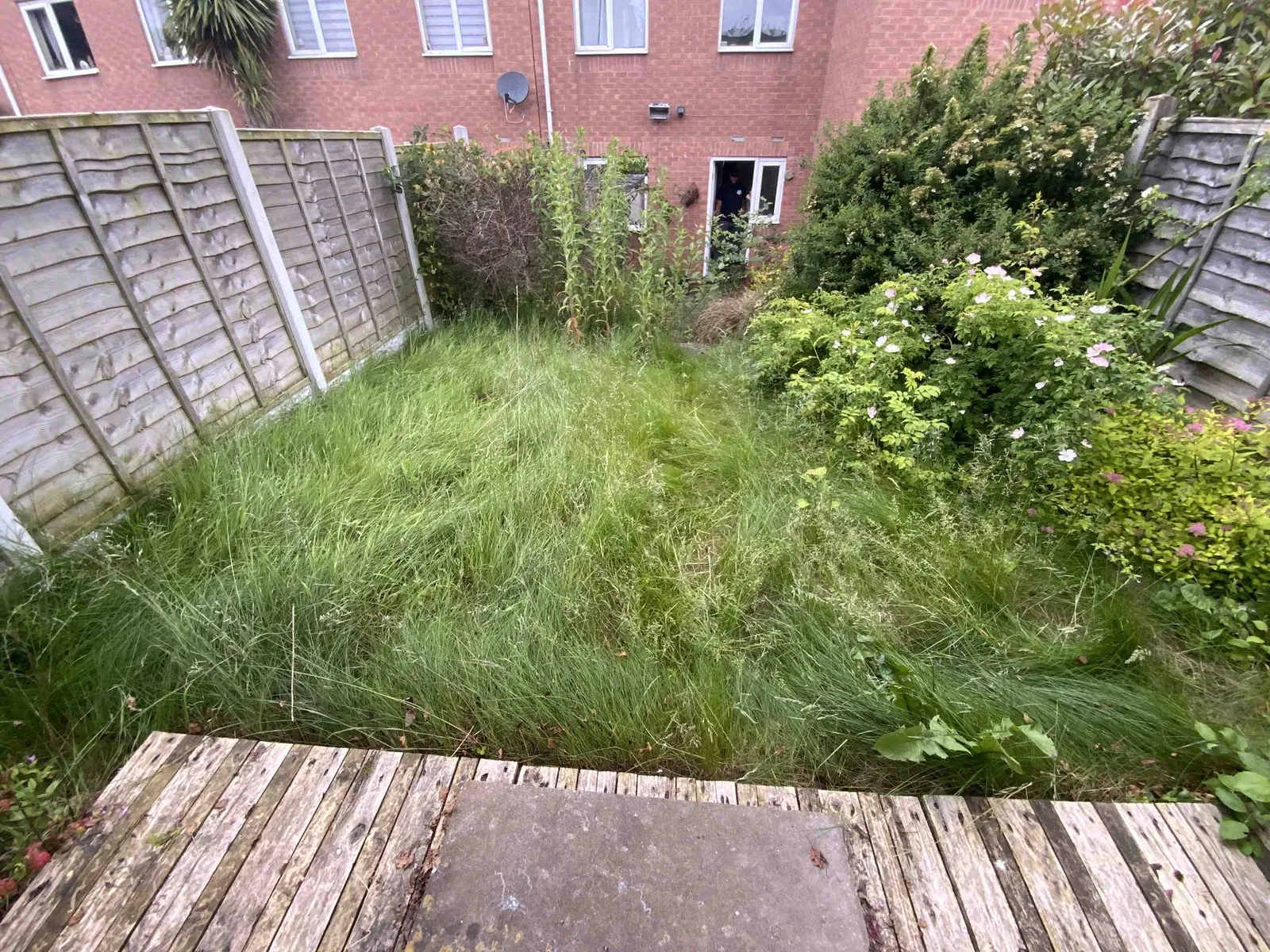
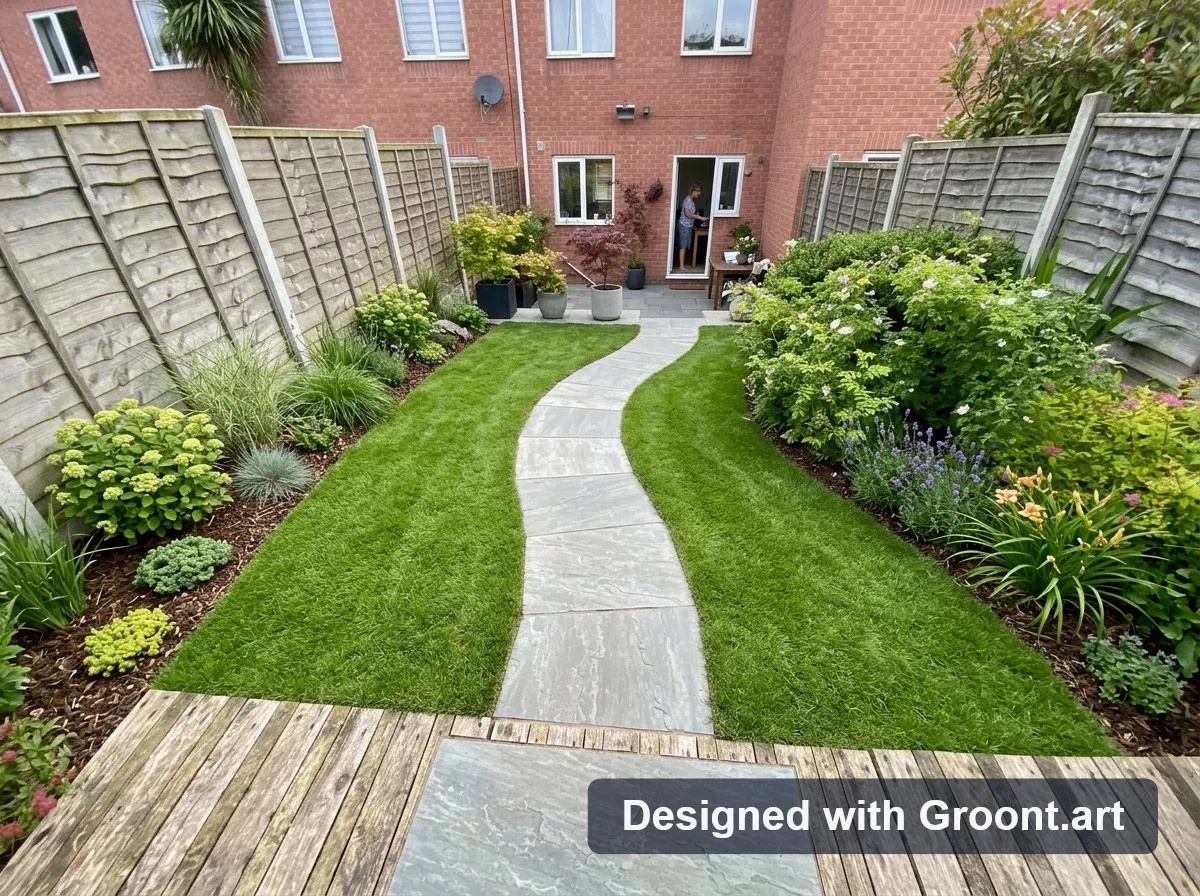
This Groont courtyard example pairs an overgrown site with a cottage-style concept. Showing the original next to the proposal helps the client identify which changes they want to discuss.
How to do it
- Use a site photo you have permission to share. Record the client’s priority, fixed site features and what you need them to decide at this meeting.
- Generate two directions from the same viewpoint and change one decision at a time, such as seating position or planting character. Show the original alongside both concepts.
- Ask which elements the client wants to keep. Use selected-area editing for a focused revision, then record decisions and open questions before arranging a site survey or preparing an estimate.
Example prompt
Show a cottage-style courtyard with a small seating area and layered planting. Keep the site boundaries and access route visible.
Label every proposal as a preliminary AI visualization. Verify dimensions, levels, utilities, drainage, material choices and quantities before issuing a quote or construction documents.